Artificial intelligence is rapidly changing how video games are made. Developers can use AI to generate code, explore visual concepts, create prototypes, automate repetitive tasks, and experiment with gameplay ideas that might otherwise require a larger team.
But a new challenge is emerging: if creating a playable game becomes easier, what will make one game worth playing over thousands of others?
This question is becoming increasingly relevant in 2026. Roblox is expanding its AI-powered creation tools, Google has introduced its experimental Playground game-creation platform alongside a partnership with Unity, and Epic Games is promoting AI-assisted development through its upcoming AI MegaJam.
These developments point toward a significant shift in game creation. More people may be able to turn an idea into a playable experience without mastering every traditional development skill first.
However, easier creation does not automatically mean better games.
For indie developers, the opportunity is not simply to produce more content with AI. It is to use AI to build better experiences, validate ideas faster, and spend more time on the decisions that make a game distinctive.
In this article, we’ll explore the latest AI game development trends, the growing debate around AI-generated games, practical workflows for indie developers, and how small teams can use these tools without sacrificing originality.
The Biggest AI Game Development Trends in 2026
Three developments illustrate how AI is moving beyond isolated coding assistants and into the broader game creation process.
1. Roblox Is Turning AI Into a Game Creation Tool
Roblox announced its Build experience and additional AI-powered Studio tools in July 2026.
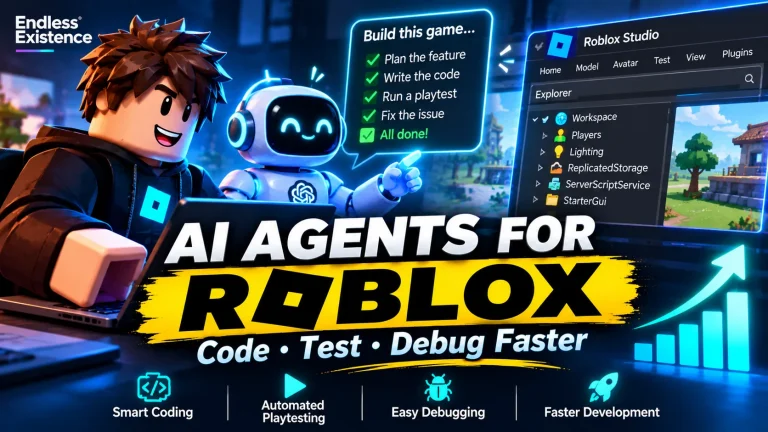
Build is designed to help creators turn natural-language prompts into basic playable games. Roblox also outlined plans for tools that assist with playtesting, analytics, experimentation, procedural models, and scene generation.
The goal is to let creators delegate parts of development while continuing to iterate on their games.
For experienced developers, these tools could help accelerate prototyping and repetitive tasks. For beginners, they may provide a more accessible starting point.
However, Roblox has also emphasized that discovery depends on player engagement. Creating a game with AI does not guarantee that players will find it or continue playing it.
Source: Roblox — Build Without Limits.
2. Google and Unity Are Exploring Prompt-Based Game Creation
On October 7, 2026, Google and Unity announced a partnership focused on AI-assisted game creation.
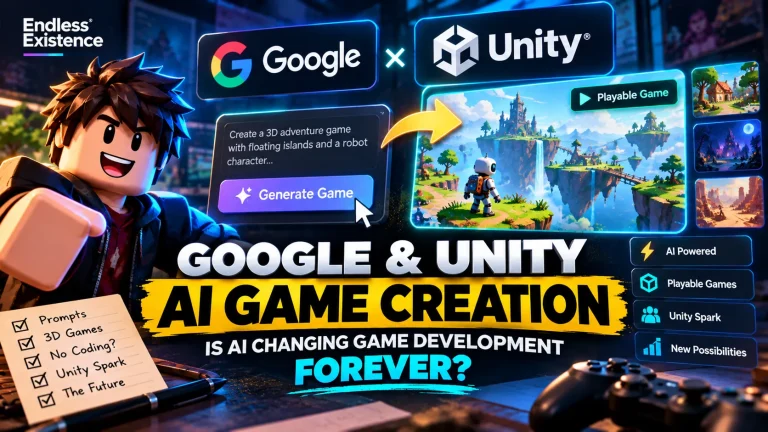
The announcement introduced Google’s experimental Playground platform, which allows users aged 18 and older to generate and customize playable games using natural-language prompts.
The companies also announced Unity Spark, a planned expanded creation experience intended to support more advanced mechanics and higher-fidelity 3D capabilities through the Unity runtime.
This direction is important because it suggests a potential path from accessible, prompt-based experimentation toward more sophisticated game development.
Nevertheless, experimental game generation and production-ready development remain different things. Developers still need to evaluate how well these tools support complex mechanics, maintainable architecture, performance, and publishing requirements.
Source: Google and Unity’s Official Announcement.
3. Epic Games Is Bringing AI Into Game Development Competitions
Epic Games has announced the AI MegaJam, scheduled for November 12–15, 2026, with a theme reveal planned for November 11.
The competition encourages developers to use AI tools when building playable games with Unreal Engine or Unreal Editor for Fortnite. The announcement also describes prizes and potential development grants.
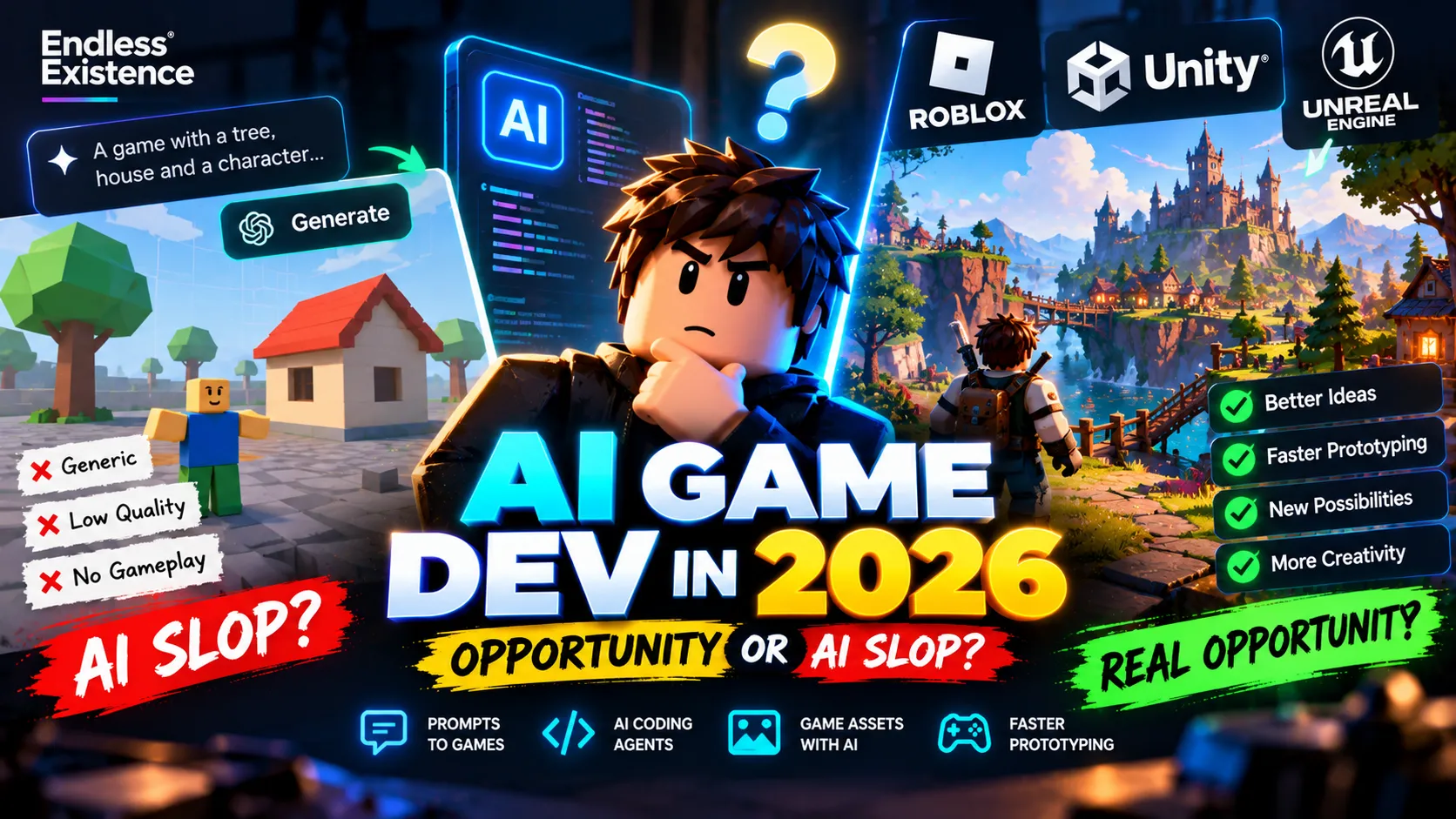
The event has attracted debate about whether AI-assisted production will encourage experimentation or contribute to a flood of low-quality games.
That debate reflects a broader industry question: should developers focus on generating games faster, or on improving the creative and technical decisions behind them?
Source: PC Gamer — Epic’s AI Game Jam.
Taken together, these developments suggest that AI-assisted creation is becoming an increasingly important part of the game development conversation.
What Does “AI Slop” Mean in Game Development?
The term “AI slop” is commonly used to describe low-quality, generic, or poorly curated content produced with heavy reliance on AI.
In game development, the term can refer to experiences that appear quickly assembled from generated assets, repetitive mechanics, shallow progression, and minimal testing.
The problem is not necessarily the use of AI itself.
A game created with AI assistance can still have excellent design, strong technical implementation, and a distinctive artistic identity. Likewise, a game made entirely without AI can be repetitive, poorly optimized, or uninteresting.
The important distinction is between using AI as a development tool and treating AI output as a finished product.
Consider two hypothetical indie developers.
Developer A asks an AI tool to create a simulator, accepts the first result, publishes it, and immediately moves on to another idea.
Developer B uses AI to generate a prototype, tests the core gameplay loop, studies player feedback, improves progression, and refines the experience before publishing.
Both developers use AI. But their workflows produce very different opportunities for quality.
AI makes it easier to generate possibilities. It does not eliminate the need to select, evaluate, and refine them.
Why Easier Game Creation Does Not Guarantee Success
Game development has always involved more than programming.
A successful game needs a compelling reason for players to start playing, a satisfying experience that encourages them to continue, and a reason to return.
AI can assist with many implementation tasks, but it cannot automatically guarantee these outcomes.
Gameplay still needs to feel good
A movement system may work correctly but feel sluggish. An enemy may function as intended but fail to create interesting decisions. A progression system may offer many upgrades without making any of them meaningful.
These problems require playtesting, iteration, and design judgment.
Visual quality is not the same as design quality
AI can help generate attractive environments and assets, but a beautiful screenshot does not prove that a level is enjoyable.
Players still need clear objectives, readable interactions, useful feedback, and a well-paced experience.
More content can create more work
Generating dozens of levels or hundreds of items may seem productive.
However, each additional feature creates potential balancing, testing, optimization, and maintenance work.
A smaller game with a polished central mechanic may provide a better experience than a much larger game filled with repetitive content.
Discovery is still competitive
Even if AI reduces development costs, it does not guarantee an audience.
Developers must still understand their target players, communicate the game’s value, create effective store pages, and improve retention.
On platforms such as Roblox, player engagement remains particularly important to discovery.
Five Practical Ways Indie Developers Can Use AI Effectively
The best approach is to apply AI where it solves a real development problem.
1. Prototype More Ideas Before Committing
Prototyping helps developers discover whether a mechanic is interesting before investing in a full production.
Suppose you want to create a puzzle game in which players manipulate objects using gravity.
Instead of immediately building ten levels, an inventory system, a progression tree, and a polished menu, use AI-assisted tools to develop one small playable experiment.
Test the core interaction.
Can players understand it? Does it produce interesting decisions? Does the mechanic remain engaging after several attempts?
If the concept works, expand it. If it fails, revise the mechanic or test a different idea.
AI is especially useful when it reduces the cost of learning which ideas are worth pursuing.
2. Use Coding Agents for Bounded Tasks
Coding agents can assist with scripts, debugging, refactoring, documentation, and repetitive implementation.
For example, a Unity developer might ask an agent to implement an object-pooling system, while a Roblox developer might use one to improve a mission system.
The key is to provide the existing project structure, implementation constraints, and acceptance criteria.
A useful instruction is:
“Inspect the existing implementation, identify the relevant dependencies, propose a minimal change, and test the expected behavior. Do not rewrite unrelated systems.”
This encourages the agent to work within the project rather than inventing an entirely new architecture.
Always review generated code and verify that the implementation behaves correctly.
3. Generate Visual Concepts Before Final Assets
AI image-generation tools can help developers explore art direction, character concepts, environment themes, and interface layouts.
For an indie studio, this can make early visual exploration faster and less expensive.
However, generated concepts should not automatically become final production assets.
Depending on the project, final assets may require modeling, retopology, UV mapping, texture work, rigging, collision setup, and performance optimization.
Also review the licensing terms and usage restrictions of the tools and source materials involved.
4. Automate Testing and Repetitive Checks
AI can help create test plans and identify edge cases that developers might overlook.
For example, an AI assistant could suggest test cases for an inventory system:
- What happens when the inventory is full?
- Can an item be duplicated through repeated requests?
- Does saved inventory data load correctly?
- What happens when an expected item definition is missing?
- Does the UI accurately reflect the authoritative game state?
Some connected tools can also execute supported tests and inspect debugging output.
However, a generated test plan is not proof that the game passed those tests. Run the tests, review the results, and perform additional checks for important release risks.
5. Spend the Saved Time on Player Experience
Perhaps the most valuable use of AI is freeing developers from repetitive work so they can focus on what players actually experience.
Use the time saved to improve controls, animation timing, feedback, level design, accessibility, onboarding, and progression.
For example, a Roblox simulator may benefit more from satisfying interactions and meaningful upgrades than from adding fifty additional collectible objects.
AI should help you improve the game, not merely increase the number of features you can claim to have built.
A Practical Workflow for Building an AI-Assisted Indie Game
Here is a simple workflow that works across engines such as Unity and Roblox Studio.
Step 1: Define the Core Experience
Write down what the player does, what makes the activity interesting, and what motivates the player to continue.
Avoid beginning with a long feature list.
Start with one clear gameplay loop.
Step 2: Build a Minimal Prototype
Implement the smallest playable version of the central mechanic.
Use AI to assist with code, placeholder assets, and repetitive setup where appropriate.
Keep the prototype small enough that you can understand and test it.
Step 3: Test Without Overinvesting
Play the prototype yourself and, when possible, ask other people to try it.
Observe whether they understand the objective and whether the main interaction feels satisfying.
Do not assume that a mechanic is fun simply because it works technically.
Step 4: Refine the Strongest Parts
Use feedback to improve the controls, pacing, clarity, and reward structure.
If the core mechanic is weak, fix it before adding more content.
Step 5: Review the Technical Foundation
Before expanding the prototype, inspect the code architecture, asset pipeline, performance, and data handling.
AI-generated implementations should be reviewed for unnecessary complexity, security issues, and compatibility with the existing project.
Step 6: Expand Deliberately
Add new mechanics and content only when they improve the player experience.
Measure whether each addition contributes something meaningful rather than increasing scope for its own sake.
Step 7: Prepare for Release
Test the actual release build, review platform requirements, create clear store materials, and establish a plan for collecting player feedback.
AI can help with descriptions, checklists, and marketing experiments, but the final presentation should accurately represent the game.
What Skills Should Indie Developers Learn in the AI Era?
AI-assisted development does not make technical knowledge irrelevant.
Instead, it changes how developers can apply that knowledge.
The following skills remain particularly valuable.
Game design: Understanding feedback loops, difficulty, progression, player motivation, and pacing helps you evaluate whether generated mechanics are worth keeping.
Programming fundamentals: Knowing how data structures, networking, physics, and state management work makes it easier to detect incorrect or fragile AI-generated code.
Testing and debugging: Developers who can reproduce bugs, isolate causes, and verify fixes can use AI agents more effectively.
Technical judgment: Understanding performance budgets, security, architecture, and platform limitations prevents a prototype from becoming an unreliable production project.
Creative direction: A distinctive game requires coherent choices about mechanics, art, sound, pacing, and atmosphere.
Marketing and analytics: A technically excellent game still needs an audience. Developers must learn how to communicate its value and interpret player behavior.
You do not need to master every skill before experimenting with AI. But developing these abilities will help you turn AI-generated output into more dependable and distinctive games.
The Future of Indie Game Development
The direction of AI-assisted game creation is becoming clearer: tools are moving from helping with individual tasks toward participating in larger development workflows.
Developers may increasingly be able to describe a feature, generate an implementation, run tests, inspect the results, and revise the code through connected tools.
For small teams, this could reduce some of the operational disadvantages of working with limited resources.
But it may also increase competition. If more developers can create playable prototypes quickly, a prototype alone becomes a less meaningful advantage.
Originality, execution, player understanding, and the ability to refine a game based on evidence may become even more important.
This does not mean that every developer needs to adopt every new AI tool. The right approach depends on the project’s requirements, budget, technical complexity, and creative goals.
The strongest strategy is to experiment with AI where it provides measurable value while retaining control over the decisions that determine the game’s quality.
Final Thoughts
AI game development is moving beyond simple code generation. Roblox, Unity, and Epic Games are all exploring ways to integrate AI more deeply into game creation, although their tools and approaches differ.
These developments create exciting opportunities for indie developers.
You can experiment faster, automate repetitive tasks, and explore ideas that might otherwise require more time or resources.
But the ability to generate a game does not automatically mean the ability to make a good game.
The developers who benefit most will be those who combine AI-assisted production with deliberate design, technical discipline, playtesting, and continuous improvement.
Use AI to remove unnecessary friction from your workflow. Then invest the time you save in making something players genuinely want to play.
In a world where creating games becomes easier, the quality of your ideas—and how well you execute them—will matter more than ever.