The best Unity multiplayer solution depends on your game’s networking requirements, hosting plan, and development experience.
For a small cooperative game, you might prioritize straightforward GameObject synchronization and easy internet connectivity. For a competitive shooter, responsive movement, server validation, and hit registration matter much more. A deterministic strategy game presents another set of requirements.
These projects should not automatically use the same networking stack.
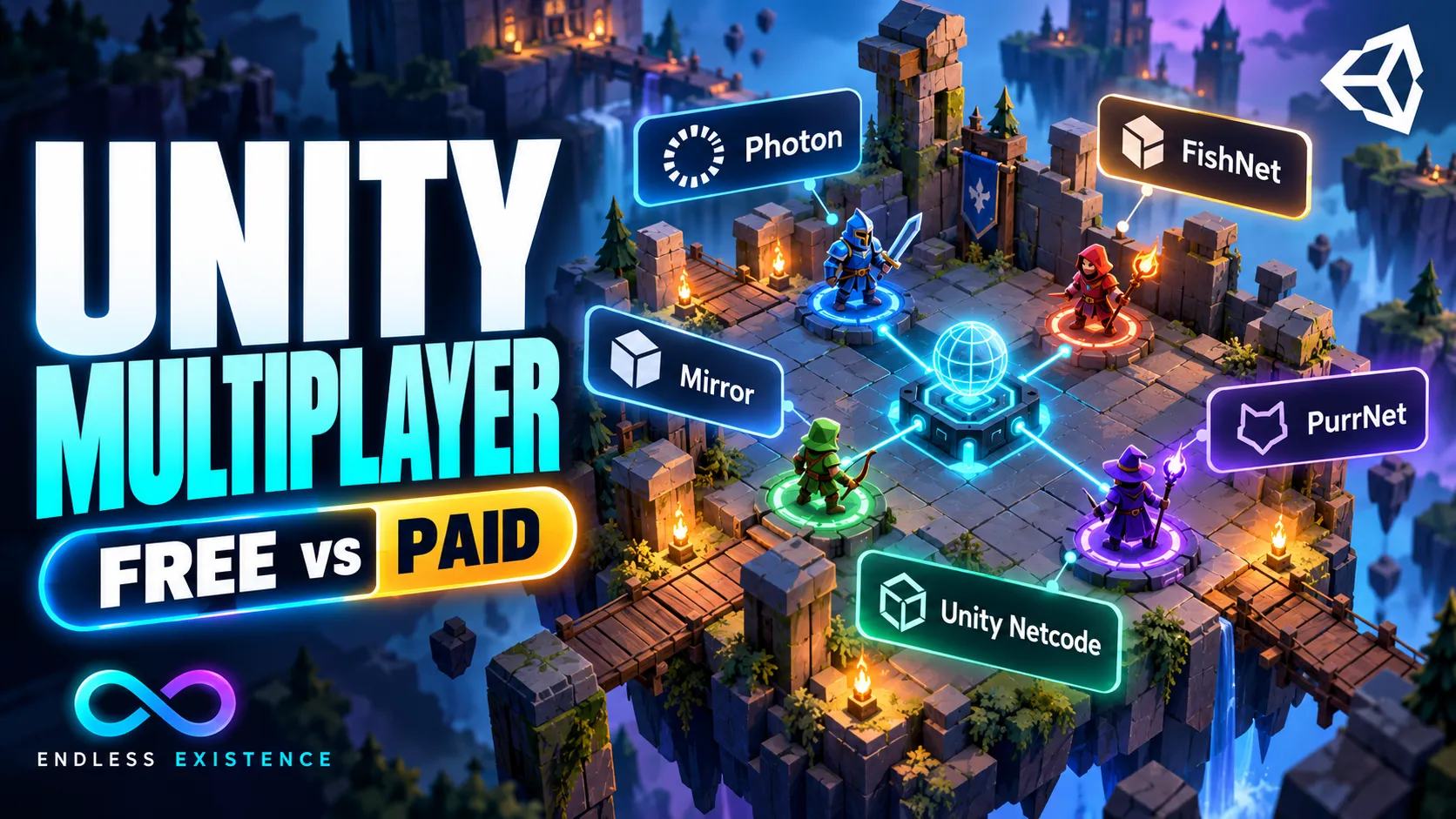
This guide compares Photon Fusion, Photon Quantum, FishNet, Mirror, PurrNet, Netcode for GameObjects, and Netcode for Entities. It also explains where Nakama fits, what “free” actually covers, and how to evaluate a solution before building your game around it.
Features and public pricing checked on October 13, 2026. Prices are in USD where stated and can change. Recommendations below are based on documented capabilities and architectural fit, not a performance benchmark conducted for this article.
Quick Recommendations
If you need a starting shortlist, use these recommendations:
| Your priority | Solutions to evaluate first | Main reason |
|---|---|---|
| Small co-op game using Unity’s ecosystem | Netcode for GameObjects | Familiar GameObject workflow and Unity service integration |
| Action game with a free networking framework | FishNet | Built-in prediction, with optional Pro features |
| Open-source framework with flexible ownership rules | PurrNet | Configurable authority and a Unity-oriented workflow |
| Established client-server workflow with source access | Mirror | MIT license and a familiar component-based model |
| Managed cloud connectivity and action-game networking | Photon Fusion | Multiple topologies and prediction-oriented tooling |
| Deterministic simulation with predict/rollback | Photon Quantum | Dedicated deterministic simulation architecture |
| DOTS/ECS project requiring server authority and prediction | Netcode for Entities | Networking designed around Unity Entities |
| Accounts, storage, matchmaking, and social backend | Nakama | Backend services beyond scene synchronization |
This is a shortlist, not a universal ranking. A feature-rich framework can still be the wrong choice if its architecture does not match your project.
First, Separate Netcode From Hosting
A multiplayer stack contains several responsibilities.
| Layer | What it does |
|---|---|
| Networking framework | Synchronizes objects, state, inputs, and remote calls |
| Transport | Carries messages between endpoints |
| Relay | Routes connections when direct connectivity is unsuitable |
| Lobby and matchmaking | Helps players find and organize sessions |
| Game server | Runs the authoritative gameplay simulation |
| Backend | Stores accounts, progression, and other persistent data |
Some products cover several layers. Others primarily provide netcode.
A free library does not necessarily include free relay traffic, managed matchmaking, or a server running around the clock.
Likewise, paying for a relay does not mean the provider is running your game’s authoritative simulation.
That distinction is essential when comparing prices.
The Networking Features Beginners Should Understand
Authority
Authority determines who is allowed to decide that something happened.
For example, should a client simply report that it collected a valuable item, or should the server verify the interaction?
A host-based game runs server responsibilities on one player’s machine. A dedicated server runs separately from the players. Distributed authority assigns responsibility for different objects across participants.
These models have different costs and trust boundaries.
Client-Side Prediction
Prediction lets a player see an immediate response to input while authoritative results travel across the network.
If the prediction differs from the server result, the client needs a correction strategy.
A full implementation may restore an earlier state and replay subsequent inputs.
Interpolation
Interpolation smooths received updates, commonly for other players’ movement.
It is useful, but it is not the same as predicting local gameplay.
Lag Compensation
Lag compensation can evaluate an action against historical state—for example, checking a shot against where a target appeared when the shooter acted.
Prediction and lag compensation address related but different problems.
A framework advertising smooth movement does not automatically provide every feature needed for a competitive game.
1. Photon Fusion
Photon Fusion is worth evaluating when you want action-oriented networking alongside Photon’s managed connectivity ecosystem.
Its documented topologies include Dedicated Server, Client Host, and Shared Authority. Its API uses networked properties, inputs, and RPCs, and supports predicted gameplay in the relevant simulation workflows. Unity Multiplayer SDK Documentation
Where It Fits
My recommendation is to shortlist Fusion for action games, cooperative games, and projects where managed connectivity reduces the infrastructure work you want to own.
Choose the topology first. A Shared Authority prototype and a dedicated-server competitive game have different implementation and security requirements.
Pros
- Several architecture choices within the Fusion ecosystem.
- Prediction-oriented workflows and documented samples.
- Managed cloud connectivity.
- A practical option when service convenience is more valuable than complete infrastructure independence.
Cons
- Cloud usage becomes a recurring cost beyond applicable allowances.
- Your gameplay needs to respect its simulation model.
- Different modes have different capabilities.
- Dedicated authoritative hosting adds operational work.
Free and Paid Pricing
The public Fusion pricing page currently lists:
| Plan | Published price | Included allowance |
|---|---|---|
| Development tier | Free | 20 CCU; development only |
| Free launch tier | Free | 100 CCU; one gaming app per customer; 0.3 TB monthly traffic |
| 500 CCU | $125/month | 1.5 TB monthly traffic |
| 1,000 CCU | $250/month | 3 TB monthly traffic |
CCU means concurrent users, not total downloads or registered accounts. Photon documents regional peak accounting and traffic overages, so read those rules before estimating costs. Photon Engine
For Fusion’s Dedicated Server topology, you must separately arrange hosting for the headless game server. Photon’s connectivity infrastructure does not replace that server process. Dedicated Servers — Client-Server
2. Photon Quantum
Quantum is a different architectural choice from Fusion.
It separates a deterministic gameplay simulation from Unity’s presentation layer. Clients exchange inputs, predict simulation results, and roll back when necessary. Its simulation uses Quantum ECS and deterministic libraries rather than ordinary Unity gameplay physics as a drop-in networked simulation. Deterministic Unity Multiplayer Engine
Where It Fits
Evaluate Quantum when deterministic simulation and rollback are central requirements.
Potential examples include strategy games, fighting-game-style interactions, or action games designed around its simulation model.
Pros
- A coherent deterministic predict/rollback architecture.
- Clear separation between simulation and presentation.
- Useful when reproducibility is a design requirement.
Cons
- A substantial learning curve for developers accustomed to MonoBehaviour gameplay.
- Existing gameplay may need significant restructuring.
- Deterministic networking does not automatically provide every competitive security requirement.
- Cloud and additional service costs still need budgeting.
Free or Paid?
Photon documents a free 100 CCU allowance for eligible Fusion and Quantum gaming applications, limited to one app per customer. Larger deployments use paid plans. Photon Engine
My advice: explore Quantum early if you need its architecture. Retrofitting it after building extensive conventional gameplay is a much larger decision.
What About Photon PUN 2?
PUN remains relevant when maintaining an existing project or following an older course.
However, Photon identifies PUN 2 as being in maintenance/LTS mode and directs new projects toward Fusion or Quantum. Get Help & Support
Do not choose it for a new project solely because an old tutorial is easy to follow. Check whether the tutorial’s architecture and product status still match your goals.
3. FishNet
FishNet is a strong candidate when you want a freely available networking framework with prediction capabilities and optional paid enhancements.
Its documentation describes built-in client-side prediction, Rigidbody prediction support, buffered remote calls, network scene handling, and Addressables support. fish-networking.gitbook.io
Where It Fits
My recommendation is to shortlist FishNet for GameObject-based action or cooperative projects where you want to choose your own hosting arrangement.
Pros
- Prediction is available in the free framework.
- Broad scene and synchronization functionality.
- Optional paid features rather than a mandatory cloud subscription.
- Suitable for evaluating a self-managed client-server architecture.
Cons
- Prediction requires correctly structured simulation code.
- Hosting and internet connectivity need their own plan.
- Some useful features belong to Pro.
- You need to manage framework, transport, and service compatibility.
What Does Pro Add?
FishNet’s Pro documentation lists collider rollback for lag compensation, network level-of-detail functionality, automatic code stripping, and additional synchronization options.
Its documented GitHub/Patreon route includes an initial $10 payment, an optional $2/month updates tier afterward, and a $60 lifetime option. Purchase routes and benefits differ, so inspect the current terms rather than treating these as interchangeable subscriptions. fish-networking.gitbook.io
The public source uses a custom license. It should not be described as MIT simply because the code is available on GitHub. GitHub
For beginners, start with the free framework. Upgrade when a specific requirement justifies it.
4. Mirror
Mirror offers a familiar client-server programming model with source access under the MIT license.
Its documented features include SyncVars, synchronized collections, Commands, client RPCs, transport modularity, and snapshot interpolation. The current repository lists lag compensation as beta and general prediction as researching. GitHub
Where It Fits
Mirror is worth evaluating when you want a conventional client-server workflow, infrastructure control, and the ability to inspect or modify the networking implementation.
Pros
- MIT-licensed framework.
- Recognizable component-based API.
- Flexible hosting choices.
- A useful learning environment for authority and synchronization.
Cons
- Do not assume its built-in prediction matches prediction-focused alternatives.
- Advanced features may have different maturity levels.
- You must assemble the hosting and session-discovery layers.
- A working localhost example does not establish internet readiness.
Free or Paid?
The framework is free. Your servers, relay services, platform integrations, or optional commercial services can still cost money.
My recommendation: consider Mirror for projects that fit its documented strengths. For a latency-sensitive action game, validate the movement model before committing.
5. PurrNet
PurrNet emphasizes a Unity-oriented workflow and configurable networking rules.
Its repository describes network-aware spawning, RPCs, per-object authority policies, reconnection, multiple transport options, and MIT licensing. Its prediction functionality is provided through the PurrDiction addon. GitHub
Where It Fits
PurrNet is worth evaluating when you want flexible ownership rules and a framework that stays close to ordinary Unity workflows.
Pros
- Free, open-source core.
- Configurable authority policies.
- Modular transport and networking structure.
- A documented prediction path through PurrDiction.
Cons
- Convenience does not remove the need for authority validation.
- Addon versions and release channels need checking.
- Some addons, early access, and services have separate commercial terms.
- You must verify the complete stack on your target platforms.
PurrDiction documents authoritative simulation, rollback, input replay, and visual smoothing. Gameplay code must be replay-safe; one-shot effects must not execute repeatedly during resimulation. PurrNet Docs
Free and Paid Options
PurrNet’s core is free. Its current support/service plans include:
| Plan | Published price | Listed relay allowance |
|---|---|---|
| House Cat | $20/month | 150 CCU and 300 GB/month |
| Royal British | $100/month | 500 CCU and 1.5 TB/month |
These plans also include other benefits. They are not mandatory licenses for the core framework, and their lobby limits and service terms should be checked separately. PurrNet
Do not compare these numbers directly with another provider without checking how each measures usage and what each service actually runs.
6. Netcode for GameObjects
Netcode for GameObjects, often shortened to NGO, is Unity’s networking framework for GameObject and MonoBehaviour workflows.
Unity positions it for smaller-player-count, less complex multiplayer projects and for adding networking to existing GameObject-based games. Unity Docs
Where It Fits
My recommendation is to evaluate NGO for small cooperative games when you prefer Unity’s packages, documentation, and service ecosystem.
Pros
- First-party Unity integration.
- Familiar component-based development.
- A sensible starting point for learning network ownership and state.
- Can be combined with Unity multiplayer services or an appropriate alternative service arrangement.
Cons
- The package does not provide a complete production backend.
- Complex action-game requirements need careful evaluation.
- Optional Unity services have their own usage pricing.
- Package-version-specific documentation matters.
Anticipation Is Not Full Prediction
Unity’s client-anticipation documentation explicitly distinguishes anticipation from a full rollback-and-replay prediction loop. It provides visual anticipation and correction mechanisms, while a complete custom prediction implementation is left to advanced users. docs.unity3d.com
That does not make NGO unusable for action games. It means you should not assume the required movement solution arrives automatically.
Free Package, Metered Services
NGO itself has no separate per-player networking-package fee. Hosting and services are additional decisions.
Unity Relay’s current public pricing includes:
- The first 50 average monthly CCU.
- Bandwidth allowance of 3 GiB per CCU, capped at 150 GiB/month.
- $0.16 per additional average CCU.
- Additional bandwidth at $0.09/GiB for US/EU and $0.16/GiB for Asia/Australia.
These are average monthly CCU, unlike Photon’s documented peak-based accounting. Unity’s Distributed Authority service also has separate pricing. unity.com
7. Netcode for Entities
Netcode for Entities is Unity’s DOTS/ECS networking framework.
Unity describes it as server-authoritative, with a client prediction framework, intended for demanding multiplayer simulations. Its competitive-game documentation also identifies prediction and lag-compensation capabilities. Unity Docs
Where It Fits
Evaluate it when your project deliberately uses Entities and needs the associated simulation architecture.
Pros
- Networking built around ECS.
- Server-authoritative prediction framework.
- A relevant option for data-oriented multiplayer development.
Cons
- Requires learning DOTS/ECS alongside networking.
- Existing MonoBehaviour gameplay does not automatically transfer.
- Hosting, matchmaking, and persistence remain separate.
- Architectural capability does not establish your game’s actual player capacity.
There is no separate CCU subscription inherent to the netcode package. Relevant Unity licensing and infrastructure costs still apply.
For a first small co-op project, I would usually start by evaluating a simpler GameObject-based option.
8. Nakama: A Backend Alternative, Not a Direct Replacement
Nakama belongs in the discussion because multiplayer games often need accounts, matchmaking, storage, leaderboards, and social features.
Its official project is an open-source game backend with real-time multiplayer functionality. It supports both relayed and authoritative multiplayer approaches, with a Unity client integration. Heroic Labs Documentation
Where It Fits
Evaluate Nakama when backend features are a major part of your requirements.
Pros
- Several backend responsibilities in one system.
- Self-hosting option.
- Can complement a gameplay networking framework where integration is appropriate.
Cons
- Not a drop-in replacement for Unity object replication.
- Self-hosting requires deployment and database operations.
- Authoritative server logic needs its own implementation.
- Managed hosting is a separate commercial service.
The open-source server can be used without buying a managed-hosting plan. Running it still consumes infrastructure and maintenance resources.
Free vs Paid: What You Actually Pay For
| Solution | Framework or starting access | Main potential additional costs |
|---|---|---|
| Photon Fusion | Eligible free cloud tier | Higher cloud usage, dedicated game hosting, premium support |
| Photon Quantum | Eligible free cloud tier | Higher cloud usage and additional backend/security needs |
| FishNet | Free core; optional Pro | Pro features, support, servers, connectivity services |
| Mirror | Free MIT framework | Servers, relay, backend, optional services |
| PurrNet | Free MIT core | Addons/support/service plans, hosting |
| NGO | Unity networking package | Relay, Distributed Authority, hosting, other backend services |
| Netcode for Entities | Unity networking package | Dedicated hosting and backend services |
| Nakama | Open-source backend | Infrastructure, database operations, managed hosting |
A useful planning model is:\[ \text{Operating cost} = \text{service charges} + \text{server compute} + \text{network transfer} + \text{storage} + \text{operations} \]
Some providers bundle several terms. Avoid counting bundled costs twice.
Also account for development time. A cheaper service bill can come with more engineering work, while a managed product can reduce some infrastructure responsibilities.
Which Solution Should You Choose?
For a First Two-to-Four-Player Co-op Game
Shortlist NGO, FishNet, and PurrNet.
Choose based on the workflow you understand and the connectivity arrangement you can implement. Keep prediction requirements modest initially.
For a Competitive Shooter
Shortlist Fusion with an appropriate authoritative topology, FishNet with the required prediction and lag-compensation features, or Netcode for Entities if ECS is already part of your plan.
Then test hit registration and movement under realistic latency. No framework label proves your game is fair or secure.
For Deterministic Gameplay
Evaluate Quantum early.
Also assess whether your team can maintain the deterministic simulation workflow. This is an architectural commitment.
For Open-Source Control
Compare Mirror and PurrNet, and review FishNet’s custom license and feature split.
Source access is useful, but maintaining modifications becomes your responsibility.
For a Persistent Online World
None of these libraries alone delivers an MMO.
You also need persistence, deployment, capacity planning, monitoring, and a strategy for dividing simulation work. Evaluate a small representative slice before making large-scale promises.
Test the Same Prototype Before Committing
Build a small test in your final two candidates:
- Connect two players.
- Move and interact.
- Synchronize one shared object.
- Join after the session starts.
- Disconnect and reconnect.
- Leave as host.
- Load another scene.
Then test over an actual internet connection and with simulated latency, jitter, and packet loss.
Record:
| Check | What to observe |
|---|---|
| Local movement | Input response and correction behavior |
| Remote movement | Smoothness and delayed updates |
| Shared interactions | Conflicting requests and validation |
| Late joining | Whether existing state arrives correctly |
| Host departure | Whether migration exists and what your game must restore |
| Bandwidth | Traffic at representative activity levels |
| Builds | Behavior on each target platform |
Use host-only testing cautiously. A host can conceal timing and authority problems that appear for remote clients.
Common Mistakes to Avoid
- Choosing a framework from a popularity ranking alone.
- Treating a relay as an authoritative game server.
- Comparing peak CCU with average CCU as if they were identical.
- Assuming interpolation is full client prediction.
- Trusting client-reported rewards, damage, or movement without validation.
- Expecting an offline controller to become network-ready without changes.
- Assuming “host migration supported” means every gameplay system restores automatically.
- Buying advanced features before testing the core workflow.
Frequently Asked Questions
What Is the Best Free Unity Multiplayer Solution?
There is no universal winner. FishNet, Mirror, PurrNet, and Unity’s netcode packages offer different trade-offs. Compare the features and licensing relevant to your project, then budget connectivity and hosting separately.
Is Photon Completely Paid?
No. Eligible Fusion and Quantum applications have a free 100 CCU tier. Higher usage and additional services can require payment.
Can I Build Multiplayer Without Dedicated Servers?
Yes, using a suitable host or distributed-authority architecture. You must still handle connectivity, trust, disconnections, and session continuity.
Which Solution Supports the Most Players?
A useful answer requires a defined workload. Player count alone ignores object count, simulation complexity, traffic, hardware, and update frequency. Measure your intended scenario.
Does Choosing the Right Framework Prevent Cheating?
No. Authority boundaries and game-specific validation remain essential. Prediction improves responsiveness; it is not a complete anti-cheat system.
Choose Around Your Hardest Requirement
Write down your expected player count, target platforms, authority model, latency requirements, and operating budget.
Use those constraints to shortlist two solutions. Test the hardest mechanic and the most important failure case before building the rest of the game.
The right Unity multiplayer stack is the one your project can implement, verify, operate, and maintain.