Game development is changing rapidly. New technologies, AI-powered development tools, evolving game engines, and changing studio expectations are transforming how games are created.
For aspiring developers, this creates an important question:
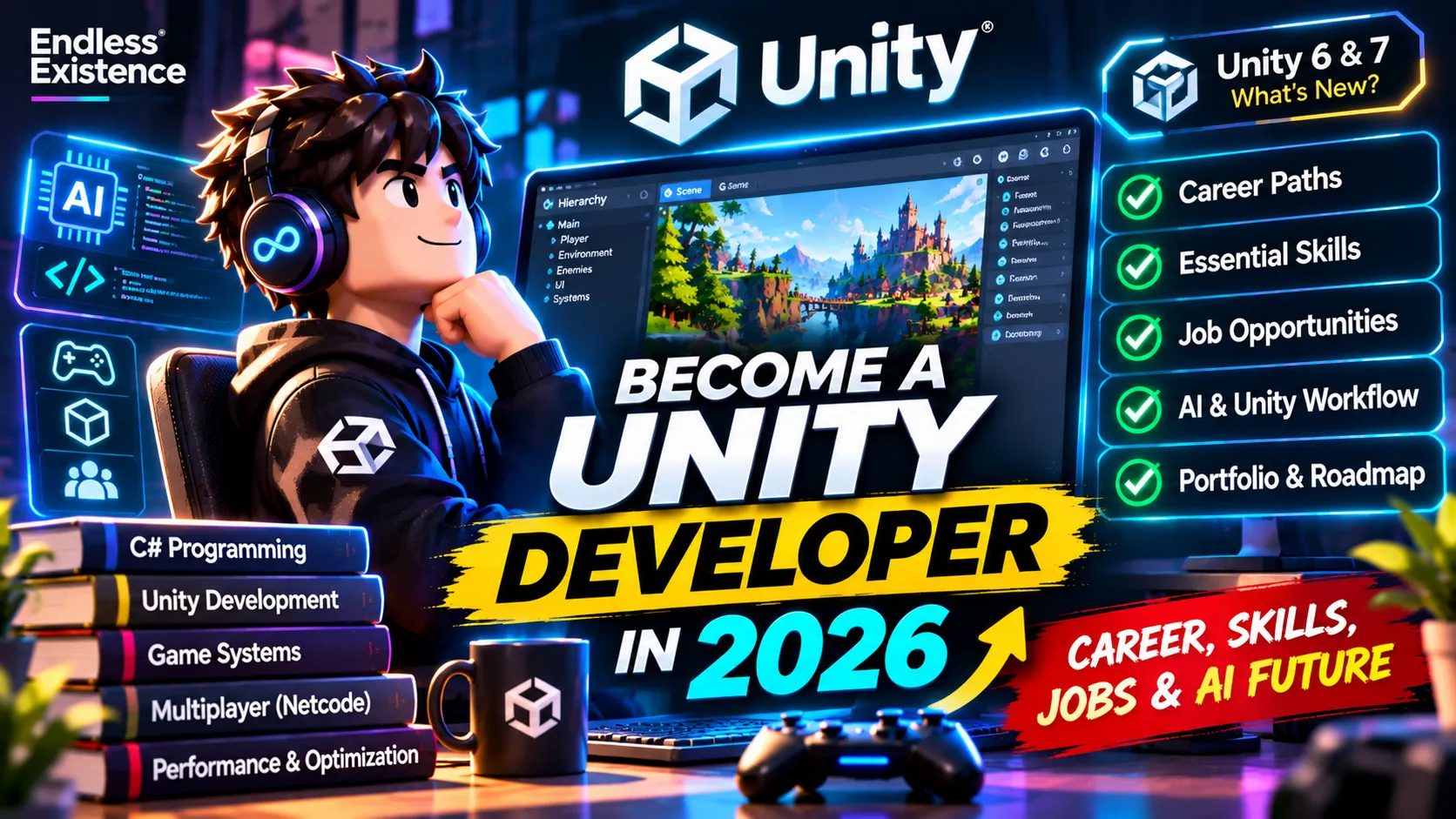
Is becoming a Unity Developer still a good career choice in 2026?
The short answer is yes—but the skills required to build a successful career are changing.
Knowing how to write a basic C# script or assemble a scene in Unity is no longer enough to stand out. Studios need developers who can understand complex systems, solve technical problems, optimize performance, collaborate with other disciplines, and turn ideas into polished gaming experiences.
At the same time, AI tools are making development faster and allowing smaller teams to accomplish more.
This guide explores the Unity developer career path in 2026, the skills employers value, the different career opportunities available, and how to build a portfolio that demonstrates your real development abilities.
Whether you are a beginner, a self-taught developer, a student, or an experienced programmer looking to enter the game industry, this article will help you understand what to learn and where to focus.
1. Is Unity Game Development a Good Career in 2026?
Unity remains one of the major game engines used across mobile, PC, console, and XR development.
Its ecosystem supports everything from small indie projects to commercial games developed by large teams.
However, the game industry is competitive, and entering it requires more than simply learning an engine.
The 2026 Unity Game Development Report provides some useful insight into how the industry is changing.
Among its 300 surveyed developers:
- 52% said their studios were focusing on smaller, more manageable projects.
- 62% reported using AI for coding assistance.
- 73% said AI tools had improved development efficiency.
- 62% reported better decision-making through AI tools.
These findings suggest that studios are increasingly interested in efficient production, practical problem-solving, and developers who can work effectively with modern tools.
Another important consideration is employment stability. The 2026 GDC State of the Game Industry survey reported that 28% of respondents had personally experienced layoffs within the previous two years.
This does not mean that Unity development is becoming irrelevant. It means that developers need to prepare for a competitive industry where strong technical skills, adaptability, and demonstrable experience matter.
The opportunity is still there, but simply knowing Unity is not a competitive advantage anymore.
2. What Does a Unity Developer Actually Do?
A Unity Developer builds interactive experiences using the Unity engine and C# programming.
The responsibilities vary depending on the studio, project, and specialization.
A typical Unity developer may work on:
- Gameplay mechanics and player controllers.
- Combat systems and enemy AI.
- UI and user interface interactions.
- Physics and collision systems.
- Animation and character controllers.
- Multiplayer functionality.
- Save systems and player progression.
- Performance optimization.
- Platform integration.
- Debugging and automated testing.
For example, imagine a multiplayer survival game.
A Unity developer might implement the player movement system, weapon mechanics, inventory, network synchronization, enemy behavior, and save functionality.
These systems must work together reliably.
A successful developer therefore needs to understand not only how to write code, but also how different parts of a game interact.
3. Different Career Paths for Unity Developers
One of the biggest advantages of learning Unity is that it opens several different career paths.
You do not have to become a general-purpose game programmer forever. You can specialize in an area that matches your interests and technical strengths.
Gameplay Programmer
Best for: Developers who enjoy mechanics, interaction, and game logic.
Gameplay programmers implement the systems that players interact with.
Typical responsibilities include:
- Player movement and controls.
- Combat and weapon systems.
- Enemy behavior.
- Inventory and progression.
- Interaction systems.
- Game mechanics and abilities.
Essential skills:
- C# programming.
- Object-oriented programming.
- Unity scripting and component architecture.
- Physics and animation.
- State machines.
- Debugging and optimization.
This is one of the most accessible specializations for developers entering the industry.
Unity Systems Programmer
Best for: Developers interested in architecture and complex technical systems.
Systems programmers build the foundations that other gameplay systems depend on.
Their work may include:
- Event-driven architecture.
- Modular gameplay frameworks.
- Save and load systems.
- Dependency management.
- Object pooling.
- Data-driven systems.
- Performance-critical code.
This role requires a strong understanding of C#, software architecture, and maintainable code.
Multiplayer Game Developer
Best for: Developers interested in networking and online games.
Multiplayer development is a specialized area because it involves more than simply connecting two players.
Developers need to understand:
- Client-server architecture.
- Network synchronization.
- Latency and interpolation.
- Server authority.
- Matchmaking.
- Lobby systems.
- Player authentication.
- Anti-cheat considerations.
Unity developers can explore technologies such as Netcode for GameObjects, Netcode for Entities, Unity Transport, Lobby, and Relay.
A strong multiplayer portfolio can demonstrate technical skills that are difficult to show through ordinary single-player projects.
AI and Gameplay AI Programmer
Best for: Developers interested in intelligent NPCs and game behavior.
Game AI is not the same as using ChatGPT or another generative AI model.
Traditional gameplay AI involves designing systems that allow enemies, companions, and other characters to make decisions.
Typical responsibilities include:
- Finite State Machines.
- Behavior Trees.
- Navigation and pathfinding.
- Utility AI.
- Decision-making systems.
- Dynamic difficulty.
- NPC perception and behavior.
Modern developers can also experiment with generative AI for dialogue, procedural content, and more adaptive character interactions.
Technical Artist
Best for: Developers who enjoy both programming and visual production.
Technical artists work between artists and programmers.
They help create efficient visual workflows and solve technical problems related to rendering, assets, materials, animation, and performance.
Useful skills include:
- Shader Graph and HLSL.
- Materials and lighting.
- URP and HDRP.
- Blender.
- Animation pipelines.
- VFX Graph.
- Performance profiling.
- Asset optimization.
This can be an excellent career path for someone who enjoys both technical and artistic work.
Graphics Programmer
Best for: Developers interested in rendering, shaders, and visual performance.
Graphics programmers work on the technology responsible for how a game looks.
Their responsibilities may include:
- Custom shaders.
- Rendering pipelines.
- Lighting systems.
- GPU optimization.
- Visual effects.
- Rendering performance.
- Advanced graphics techniques.
This is a more specialized path that requires deeper knowledge of mathematics, rendering, and GPU architecture.
XR and Simulation Developer
Best for: Developers interested in VR, AR, and interactive simulations.
Unity is used beyond traditional gaming.
Its applications include:
- Virtual reality experiences.
- Augmented reality applications.
- Training simulations.
- Architectural visualization.
- Industrial visualization.
- Interactive educational experiences.
Developers in this field may work with XR Interaction Toolkit, OpenXR, AR Foundation, and platform-specific SDKs.
Tools and Pipeline Programmer
Best for: Developers who enjoy automation and improving production workflows.
Tools programmers build software that helps other developers work faster.
Examples include:
- Custom Unity Editor tools.
- Level-design tools.
- Automated asset processors.
- Build pipelines.
- Debugging utilities.
- Internal development frameworks.
This specialization becomes particularly valuable in larger teams because better tools can improve the productivity of an entire studio.
4. Essential Skills Every Unity Developer Should Learn
Regardless of specialization, there are several foundational skills that every serious Unity developer should understand.
C# Programming
C# is the primary programming language used in Unity.
You should understand:
- Variables and data types.
- Classes and objects.
- Inheritance and interfaces.
- Encapsulation and abstraction.
- Delegates and events.
- Collections and generics.
- LINQ.
- Asynchronous programming.
- Exception handling.
- Memory management.
Do not just memorize syntax.
Learn to solve problems using C# and understand why a particular implementation is better than another.
Unity Engine Fundamentals
Learn how Unity actually works.
Important topics include:
- GameObjects and Components.
- Transform hierarchy.
- Prefabs and prefab variants.
- Scenes and scene management.
- Script execution order.
- Physics and collision.
- Animation systems.
- UI systems.
- Addressables.
- ScriptableObjects.
- Serialization.
- Asset importing.
A developer who understands the engine can solve problems much more effectively than someone who only follows tutorials.
Software Architecture
As your projects grow, code organization becomes increasingly important.
Learn about:
- SOLID principles.
- Design patterns.
- Dependency injection.
- Event-driven architecture.
- Modular systems.
- State machines.
- Data-driven development.
- Separation of concerns.
You do not need to apply every design pattern to every project.
The goal is to build systems that are understandable, testable, and maintainable.
Debugging and Performance Optimization
A game that works on your computer may perform poorly on another device.
Unity developers should understand:
- Unity Profiler.
- Memory Profiler.
- Frame Debugger.
- CPU and GPU bottlenecks.
- Garbage collection.
- Draw calls.
- Batching.
- Object pooling.
- Asset compression.
- Loading optimization.
Performance optimization is not something you should leave until the end of development.
Mathematics and Problem-Solving
You do not need an advanced mathematics degree to become a gameplay programmer.
However, understanding the following topics is extremely useful:
- Vectors.
- Matrices.
- Trigonometry.
- Linear interpolation.
- Dot and cross products.
- Coordinate systems.
- Basic physics.
- Probability.
These concepts appear regularly in movement, aiming, camera systems, physics, animation, and procedural generation.
5. The Best Tools for a Modern Unity Developer in 2026
Learning Unity is important, but understanding the wider development ecosystem can make you considerably more productive.
Here are some tools worth learning.
| Tool | Purpose |
|---|---|
| Unity 6 | Main game engine |
| Visual Studio / Rider | C# development |
| Git and GitHub | Version control |
| Blender | 3D modeling |
| Figma | UI and interface design |
| Photoshop | 2D graphics and textures |
| DOTween | Animation and tweening |
| Unity Profiler | Performance analysis |
| Addressables | Asset management |
| Unity Test Framework | Automated testing |
| Cursor / Claude Code / Codex | AI-assisted development |
Unity AI and MCP
One of the most interesting changes in the Unity ecosystem is the introduction of AI-assisted workflows.
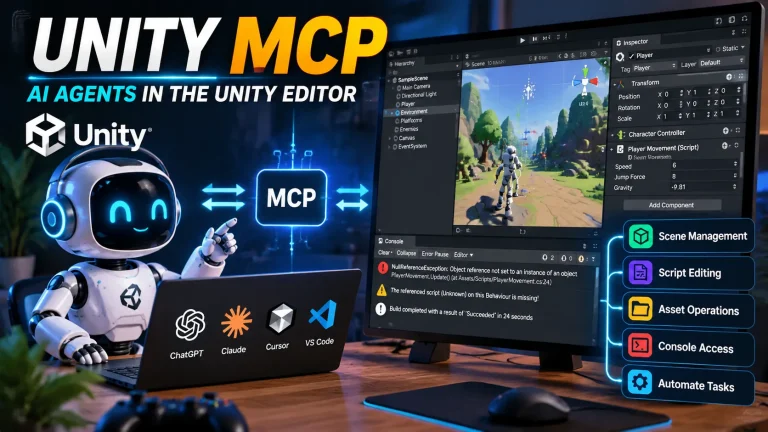
Unity’s 2026 AI beta includes an in-editor assistant and an official MCP server.
The MCP server allows compatible AI coding agents to connect to a running Unity Editor and access project context.
Depending on the supported tools, an agent can:
- Inspect scene hierarchies.
- Read GameObjects and components.
- Access Console messages.
- Create or modify scripts.
- Perform supported Editor actions.
This makes it possible to build workflows where an AI agent understands more than just the C# files—it can also inspect the actual Unity project.
For example, instead of copying an error message into an AI chat, you can use an integrated workflow to investigate the Console, inspect related scripts, propose a fix, and verify the result.
Unity has also announced Unity 7, with plans for an early beta in December 2026 and a full release in Q1 2027. Its announced direction includes deeper collaboration between creators and coding agents.
These developments make AI-assisted production an important skill for future Unity developers.
However, AI integration does not remove the need to understand the engine. Developers still need to review changes, test systems, and make architectural decisions.
6. Will AI Replace Unity Developers?
This is one of the biggest concerns among aspiring game developers.
AI can already generate C# scripts, explain errors, create prototypes, assist with shaders, generate concept art, and automate repetitive tasks.
So, does that mean fewer developers will be needed?
The reality is more complicated.
AI is particularly useful for tasks with clear requirements and predictable outputs.
For example:
- Generating simple gameplay scripts.
- Writing boilerplate code.
- Creating editor utilities.
- Explaining unfamiliar APIs.
- Producing test cases.
- Refactoring repetitive code.
- Drafting technical documentation.
But professional game development involves much more than generating code.
Consider building a complete multiplayer game.
You must make decisions about:
- Network architecture.
- Server authority.
- Player progression.
- Gameplay balance.
- Data persistence.
- Performance.
- Security.
- User experience.
- Monetization.
- Long-term maintenance.
AI can assist with many of these tasks, but the developer remains responsible for making sure the complete system works.
How Unity Developers Should Adapt to AI
Instead of competing with AI at writing code faster, learn how to use it to solve more difficult problems.
A practical AI-assisted workflow looks like this:
- Understand the problem and define the requirements.
- Design the system architecture.
- Ask AI to explore possible implementations.
- Review the proposed code and approach.
- Implement the solution.
- Test it inside Unity.
- Profile and optimize the result.
- Document important decisions.
The most valuable developers will not necessarily be those who write the most code manually.
They will be the ones who understand the problem, make good technical decisions, and use available tools effectively.
7. How to Build a Unity Developer Portfolio That Gets Attention
Your portfolio is one of the most important parts of your career preparation.
A certificate can demonstrate that you completed a course. A working project can demonstrate what you can actually build.
Avoid filling your portfolio with unfinished tutorial projects.
Instead, focus on a few projects that demonstrate different technical abilities.
Project 1: A Complete Gameplay System
Build a small but polished game featuring:
- Player movement.
- Combat or interaction.
- Enemy AI.
- UI and progression.
- Save and load functionality.
This demonstrates your ability to implement a complete gameplay loop.
Project 2: A Technical System
Build something that demonstrates deeper engineering skills.
Examples:
- Modular inventory system.
- Quest and mission framework.
- Advanced save system.
- Dialogue system.
- Custom Unity Editor tool.
- Procedural level generator.
Explain the architecture and important technical decisions.
Project 3: A Multiplayer Prototype
Build a small multiplayer experience with:
- Lobby creation.
- Player joining and leaving.
- Networked movement.
- Server-authoritative gameplay.
- Basic matchmaking or session joining.
This project can help demonstrate networking knowledge.
Project 4: An AI-Assisted Development Tool
Build an editor extension or development utility that uses AI to solve a real production problem.
For example:
- Automated script documentation.
- AI-assisted dialogue authoring.
- Asset validation workflow.
- Test-case generation.
- Scene inspection utility.
Make sure the project demonstrates your own engineering decisions rather than simply showing generated output.
What Should Every Portfolio Project Include?
For each project, provide:
- A short gameplay video.
- Screenshots.
- A description of the problem you solved.
- Your responsibilities.
- Technologies and tools used.
- Technical challenges.
- Your approach to solving those challenges.
- A playable build when possible.
- A GitHub repository or code samples when appropriate.
A smaller, finished project with a clear technical explanation is often more convincing than a huge unfinished project.
8. A Practical 6-Month Roadmap to Become a Unity Developer
If you are starting from the beginning, you need a structured learning plan.
Here is a practical roadmap.
Month 1 – C# Programming
Focus on programming fundamentals.
Learn:
- Variables and methods.
- Classes and objects.
- OOP.
- Collections.
- Events and delegates.
- Basic problem-solving.
Build small console applications and simple programming exercises.
Month 2 – Unity Fundamentals
Start building small interactive projects.
Learn:
- GameObjects and Components.
- Prefabs.
- Physics.
- Input System.
- Animation.
- UI.
- Scene management.
Build a small platformer or top-down game.
Month 3 – Intermediate Game Systems
Focus on building reusable gameplay systems.
Learn:
- ScriptableObjects.
- State machines.
- Event-driven architecture.
- Inventory systems.
- Save systems.
- Object pooling.
- Basic AI.
Build a small complete game.
Month 4 – Professional Workflow
Learn how professional projects are organized.
Practice:
- Git and GitHub.
- Code organization.
- Unity Profiler.
- Automated testing.
- Debugging.
- Build configuration.
- Basic optimization.
Refactor your earlier projects and improve their structure.
Month 5 – Choose a Specialization
Select one direction:
- Gameplay programming.
- Multiplayer development.
- Technical art.
- Graphics programming.
- Tools programming.
- XR development.
Build a project that demonstrates the chosen specialization.
Month 6 – Portfolio and Job Preparation
Focus on presenting your work.
Complete:
- One polished gameplay project.
- One technical project.
- A portfolio website.
- A professional CV.
- GitHub repositories.
- Short project demonstration videos.
Start applying for internships, junior positions, freelance opportunities, and relevant remote roles.
This roadmap is a starting framework, not a guaranteed six-month path to employment. Your progress will depend on your existing experience, available study time, and the complexity of your projects.
9. Should You Become a Unity Developer or an Indie Game Developer?
These are two different career directions, although they can overlap.
Working as a Unity Developer
You may work for:
- Game studios.
- Mobile game companies.
- Indie development teams.
- Simulation companies.
- XR development agencies.
- Interactive software companies.
Advantages:
- Opportunity to work with experienced developers.
- Exposure to production pipelines.
- More structured collaboration.
- Potentially stable income.
Challenges:
- Competitive recruitment.
- Project deadlines.
- Studio-specific requirements.
- Less creative control over some decisions.
Becoming an Indie Game Developer
As an indie developer, you build and publish your own games.
Advantages:
- Creative freedom.
- Ownership of your projects.
- Opportunity to build a personal brand.
- Potential revenue from successful releases.
Challenges:
- Financial uncertainty.
- Marketing and discoverability.
- Production and maintenance responsibilities.
- Need to understand business and player acquisition.
You do not necessarily have to choose one permanently.
Working in a studio can help you gain experience while developing personal projects outside working hours.
10. How to Prepare for Unity Developer Job Interviews
Learning technical skills is only part of the process. You also need to communicate your knowledge clearly.
Common interview topics include:
C# and programming
- What is the difference between a class and a struct?
- What are interfaces?
- How do delegates and events work?
- What is garbage collection?
- What are async and await?
Unity fundamentals
- What is the difference between Awake, Start, and Update?
- What is a ScriptableObject?
- How do Prefabs work?
- What is the difference between Update and FixedUpdate?
- How does Unity serialization work?
Architecture
- How would you design an inventory system?
- How would you implement a quest system?
- When would you use an event-driven architecture?
- How would you structure a large Unity project?
Optimization
- How would you investigate low FPS?
- What causes garbage collection spikes?
- What is object pooling?
- How would you optimize a mobile game?
Practical development
You may also be asked to build a small feature, debug an existing script, or explain a project from your portfolio.
Do not prepare only by memorizing answers. Practice implementing systems and explaining why you made particular decisions.
11. Common Mistakes That Can Slow Down Your Unity Career
Avoid these mistakes if you want to become a professional developer.
- Learning only through tutorials: Tutorials are useful, but you must build independent projects.
- Ignoring C# fundamentals: Unity knowledge without programming fundamentals creates limitations.
- Jumping between technologies: Learn one engine deeply before constantly switching.
- Building too many unfinished projects: Complete and polish a smaller number of projects.
- Ignoring optimization: Performance is part of development, not just final polishing.
- Depending entirely on AI: If you cannot explain or debug your own code, you are not developing the necessary engineering skills.
- Ignoring communication: Game development is collaborative. You need to explain technical ideas clearly.
- Never publishing your work: A playable build provides evidence of your ability to finish a project.
12. The Future of Unity Developer Careers
The future of game development will likely involve smaller teams, faster prototyping, more automation, and increasingly integrated AI workflows.
Unity’s 2026 report highlights a shift toward smaller and more manageable projects, while its announced Unity 7 direction emphasizes collaboration between creators and coding agents.
This creates opportunities for developers who can combine multiple skills.
Some promising areas to explore include:
- AI-assisted game development.
- Multiplayer and online systems.
- Gameplay and simulation programming.
- Technical art and rendering.
- Development tools and automation.
- Cross-platform optimization.
- XR and interactive simulations.
- Live-service game development.
However, no specialization guarantees employment.
The strongest approach is to develop a solid programming foundation, choose a technical direction, build real projects, and continue adapting as the industry changes.
Final Thoughts
Becoming a Unity Developer in 2026 is still a worthwhile career goal, but the path requires more than learning how to use an engine.
You need to understand programming, build reliable systems, solve real development problems, and demonstrate your abilities through completed projects.
AI is changing how games are made, but it also gives developers new opportunities to work faster and experiment with more ambitious ideas.
Do not spend your entire learning journey worrying about whether AI will replace developers.
Instead, focus on becoming the developer who knows how to use modern tools, understand complex systems, and create experiences that people actually want to play.
Learn the fundamentals. Build real games. Develop deep technical skills. Use AI intelligently. And never stop improving.
Frequently Asked Questions
1. Is Unity a good career choice in 2026?
Yes. Unity remains an important game development platform used for mobile, PC, console, XR, and simulation projects. However, the job market is competitive, so practical skills and a strong portfolio are essential.
2. How long does it take to become a Unity Developer?
It depends on your programming background, learning schedule, and goals. A structured six-month learning plan can establish a foundation, but becoming job-ready may take longer and requires independent projects and practical experience.
3. Do Unity Developers need to learn C#?
Yes. C# is the primary programming language used for Unity gameplay and application development. Strong C# fundamentals are essential for professional Unity development.
4. Can I get a Unity Developer job without a degree?
Some studios require formal qualifications, while others prioritize practical experience, technical ability, and portfolio quality. A strong portfolio can help demonstrate your skills, although hiring requirements vary by employer and region.
5. Will AI replace Unity Developers?
AI can automate or accelerate many development tasks, including code generation, debugging assistance, and prototyping. However, architecture, system integration, testing, optimization, and creative decision-making still require strong human oversight.
6. Which Unity specialization should beginners choose?
Gameplay programming is a practical starting point because it teaches core engine concepts and programming fundamentals. After gaining experience, developers can specialize in multiplayer, AI, graphics, technical art, or tools development.
7. Is Unity better than Unreal Engine for a game development career?
Neither engine is universally better. Unity is widely used in mobile games, indie projects, and cross-platform development. Unreal is particularly prominent in high-end PC and console production. Your choice should depend on the type of games and roles you want to pursue.
8. What should I include in a Unity Developer portfolio?
Include completed games, gameplay demonstrations, technical systems, code samples, GitHub repositories, and explanations of the problems you solved. Focus on quality and clarity rather than the number of projects.