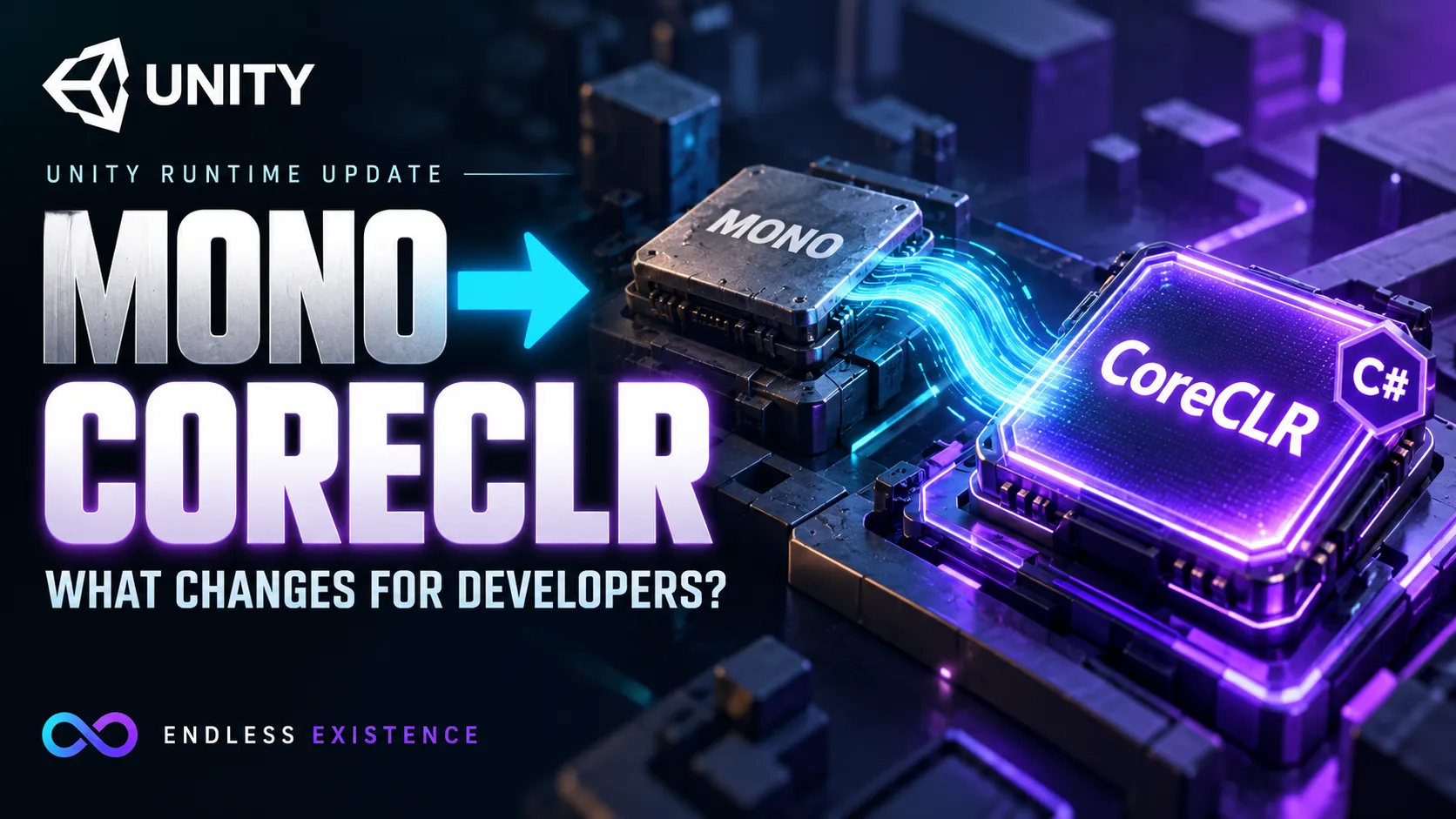
Unity is moving its C# scripting foundation from Mono to CoreCLR, the runtime behind modern .NET. This changes how managed code executes and reloads, but it does not mean you must abandon C#, replace every MonoBehaviour, or rebuild your game from scratch.
The announcement also needs a version check.
Older Unity posts described the migration around Unity 6.8. Unity’s October 5, 2026 update instead places the first publicly available CoreCLR-powered Editor in Unity 7.0 alpha. That initial alpha still exposes C# 9 and .NET Standard 2.1, and Unity explicitly advises against production use. Unity Discussions
For beginners, the useful question is not simply “Is the new runtime faster?” It is: what changes now, what remains planned, and how should you prepare an existing project?
Information checked on October 11, 2026. Preview features and release plans can change.
What Is a Scripting Runtime?
When you write a Unity script, you describe behavior in C#.
A scripting runtime provides the environment that executes managed code. Its responsibilities include memory management, garbage collection, and—in a just-in-time configuration—turning intermediate code into machine instructions.
Unity also supports different scripting backends.
| Technology | Basic role |
|---|---|
| Mono | A .NET runtime used by established Unity scripting configurations |
| CoreCLR | The runtime Unity is adopting for its modernized C# foundation |
| IL2CPP | Converts managed assemblies into C++, then compiles them into native binaries |
Unity’s documentation distinguishes Mono’s just-in-time compilation from IL2CPP’s ahead-of-time compilation. It identifies CoreCLR as a modern .NET runtime with its own execution engine, garbage collector, and JIT compiler. Unity Docs
These names describe execution technology. They are separate from gameplay concepts such as GameObjects, components, and scenes.
Why Is Unity Replacing Mono?
Unity’s stated direction is to align its scripting environment with modern .NET, improve integration with standard development tools, and create opportunities for better iteration and execution performance.
Its modernization plans include more granular code reloading and a modern build workflow. Unity Discussions
That matters because game development involves repeated cycles:
- Change a script.
- Compile it.
- Reload the affected code.
- Run the game.
- Investigate the result.
The runtime and surrounding tooling influence that cycle.
However, changing the foundation is substantial engineering work. Unity’s technical explanation describes adapting the boundary between managed C# objects and native engine code to work with CoreCLR’s garbage collector. This is more involved than switching a compiler option. unity.com
What Is Available Now, and What Is Still Planned?
Avoid treating every roadmap item as a feature already available in your installed Editor.
Unity’s October update makes these distinctions:
| Area | Status described in the October update |
|---|---|
| Unity 6.7 | Experimental CoreCLR desktop Player and updated IL2CPP iOS Player |
| Initial Unity 7.0 alpha Editor | CoreCLR-powered; still C# 9 and .NET Standard 2.1 |
| .NET 10 and C# 14 | Intended during the Unity 7.0 lifecycle; public delivery date not committed |
| IL2CPP modernization | Platforms migrating incrementally |
| Performance improvements | Follow-on focus after initial functionality and stability parity |
Unity is also working toward MSBuild-based project and compilation workflows. Unity Discussions
An experimental Player is not the same as a production-supported backend. Likewise, the presence of CoreCLR does not automatically grant access to every new C# feature.
Check the release notes and documentation for the exact version you are testing.
Is MonoBehaviour Being Replaced?
Mono and MonoBehaviour are different things.
Mono is a runtime. MonoBehaviour is a Unity class used to implement components.
Replacing the runtime does not, by itself, require changing this familiar declaration:
public class PlayerController : MonoBehaviour
{
    // Component behavior.
}
The similar names cause confusion, but the responsibilities are separate.
You should review actual migration requirements rather than renaming classes or replacing the component workflow because a headline says “Mono is gone.”
Does CoreCLR Replace IL2CPP?
The modernization is not simply “remove Mono and IL2CPP, then run CoreCLR everywhere.”
Unity’s October update describes continued work on updated IL2CPP Players alongside CoreCLR. Target-platform restrictions still matter, and the available backend depends on the Unity version and platform. Unity Discussions
For example, validating a desktop CoreCLR build does not establish that your mobile build is ready.
Treat each deployment target as its own verification task.
Will Games Automatically Run Faster?
Do not assume a runtime upgrade guarantees a frame-rate improvement.
Unity’s current stated priority for the first supported Unity 7.0 release is functionality and stability parity with Unity 6.7 LTS. More performance work is planned for subsequent releases. Unity Discussions
The practical outcome also depends on the bottleneck.
A runtime change may be relevant to managed-code execution or memory behavior. It does not automatically remove expensive rendering, excessive overdraw, oversized textures, or unnecessary physics work.
Consider two hypothetical projects:
- Project A spends substantial time executing managed gameplay logic.
- Project B spends most of its frame budget rendering complex effects.
They should not be expected to benefit identically.
Use measurements from your own workload. Record the Editor version, backend, device, build settings, and test scenario before comparing results.
Code Reloading Is Changing
A particularly important part of the migration is how Unity applies script changes.
Unity’s upgrade guide describes moving away from unloading the entire managed code space. It highlights the need to manage static state and references that can interfere with unloading affected code. Unity Discussions
For beginners, a static field is data associated with a type rather than an individual component instance.
For example:
public static int SessionScore;If your workflow previously reset such data as a side effect of reloading, you need to understand what resets it under the new lifecycle.
A Practical Example
Imagine a score system that starts correctly during the first Play session but retains the previous score during the second.
A related issue might involve an event subscription surviving longer than intended, causing a callback to execute more than once.
The lesson is to define initialization and cleanup deliberately.
Ask:
- What creates this state?
- When should it reset?
- Who subscribes to this event?
- Who unsubscribes?
- What happens after a script change?
Unity has introduced lifecycle APIs to support these responsibilities. Use the documentation for your version rather than adding unfamiliar attributes without checking their availability. docs.unity3d.com
Which Projects Need Extra Migration Attention?
The more your project depends on runtime-specific behavior, the more closely it should be reviewed.
Unity’s upgrade guide identifies compatibility areas including:
- Precompiled assemblies and framework targets.
- Static initialization behavior.
- Direct calls into Mono-specific native libraries.
- Assembly loading and discovery.
- Type accessibility.
- Floating-point behavior.
- Interactions between managed exceptions and native code.
These are potential review areas, not a claim that every project will encounter every problem. Unity Discussions
A simple prototype and a large project with custom native plugins have different migration risks.
Create a dependency inventory before investigating individual errors.
| Dependency | What to record |
|---|---|
| Unity package | Installed version and documented compatibility |
| Asset Store tool | Publisher guidance and supported Editor versions |
| Managed DLL | Target framework and source availability |
| Native plugin | Platform support and managed/native interface |
| Custom Editor tool | Reload, reflection, and initialization assumptions |
One Important Example: Persistent IDs
This deserves attention even outside a Unity upgrade.
Do not use string.GetHashCode() as a persistent identifier for saved items, accounts, or networked content.
Microsoft documents that hash-code behavior can change between runtime versions. Different strings can also produce the same hash code. Microsoft Learn
A problematic pattern would be:
int savedItemId = itemName.GetHashCode();If you later expect the same name to produce the same saved identifier under all environments, that design is fragile.
Use an explicit stable identifier instead. For example, store an authored item ID and keep it independent of the display name.
If old saves already contain hash-derived IDs, changing the implementation requires a migration strategy. Simply generating new identifiers will not repair existing data.
How to Evaluate the Migration Safely
The following workflow is a practical recommendation for testing, not a guarantee of compatibility.
Step 1: Preserve a Working Baseline
Create a recoverable project copy or isolated version-control branch.
Keep a working build and record:
- Unity version.
- Package versions.
- Target platforms.
- Build configuration.
- Known issues.
- Existing test results.
Without a baseline, you cannot reliably distinguish an upgrade regression from an existing bug.
Step 2: Choose a Specific Evaluation Goal
Start with a question such as:
Can this project compile, reload scripts, and produce a functioning desktop build under the CoreCLR preview?
Avoid combining migration with a rendering overhaul, package replacement, and gameplay refactor.
Each additional change makes failures harder to attribute.
Step 3: Resolve Compilation Problems First
Read the first relevant error rather than only the final cascade.
Identify whether it comes from:
- Your code.
- A package.
- A precompiled dependency.
- An Editor tool.
- Build configuration.
Keep a short issue log containing the cause, correction, and verification.
Step 4: Test Repeated Editor Sessions
Run a consistent sequence:
- Open the test scene.
- Enter Play Mode.
- Exercise the feature.
- Exit.
- Enter again.
- Modify a script.
- Let code reload.
- Repeat the feature.
Watch for stale state, duplicate callbacks, and retained references.
Step 5: Test Actual Builds
Editor success is only part of the result.
Check startup, scene transitions, saving, loading, input, and relevant plugin behavior in builds for your target platforms.
Unity’s CoreCLR troubleshooting documentation identifies package combinations, assembly-definition settings, custom build assumptions, and plugin settings among possible causes of build failures. Unity Docs
Step 6: Measure Before Claiming Improvement
Use comparable scenarios and configurations.
Include frame-time spikes and longer sessions, not just an average FPS value.
Report an improvement only when your measurements support it. An official statement about future potential is not a benchmark result for your game.
What This Means for Unity Careers
My assessment is that the migration strengthens the case for learning transferable C# skills.
Understanding object lifetime, events, initialization, debugging, dependencies, and build behavior helps you work across runtime changes.
For a portfolio, a well-documented compatibility investigation can provide useful evidence:
- What worked before the upgrade?
- What changed?
- Which dependency caused the failure?
- How was it corrected?
- What was verified afterward?
You do not need to become a runtime engineer. You do need to distinguish a language feature, an API, a runtime, and a Unity component.
That distinction helps you evaluate news and diagnose real project problems.
Should Beginners Upgrade Immediately?
Use the preview to investigate compatibility in a separate project when you have a clear reason.
For a production project, base the decision on supported releases, dependency compatibility, target platforms, and verified behavior.
Unity explicitly describes the first Unity 7.0 alpha as a compatibility-testing release rather than a production recommendation. Unity Discussions
You can continue learning Unity and C# without waiting for the migration to finish.
Frequently Asked Questions
Do I Need to Rewrite Every Script?
Do not assume a complete rewrite. Evaluate the documented breaking changes and the dependencies your project actually uses.
Does CoreCLR Mean C# 14 Is Available Immediately?
No. The initial Unity 7.0 alpha still targets C# 9 and .NET Standard 2.1. Later language and API support must be checked against the specific release.
Why Do Older Articles Mention Unity 6.8?
Earlier official plans used that version number. The October update describes the first CoreCLR Editor under Unity 7.0. Prefer the latest dated release information.
Does This Remove Reload Waiting Entirely?
A new reload mechanism does not mean every compilation and reload step disappears. Measure the workflow in the version you are evaluating.
Prepare Your Project Around Explicit Behavior
Unity’s move to CoreCLR is an important change to its C# foundation. The immediate task for developers is compatibility testing, not assuming automatic speed gains.
Review dependencies, make state initialization and cleanup explicit, and verify Editor behavior separately from Player builds.
Those habits will remain useful after the preview period ends—and through future engine upgrades.