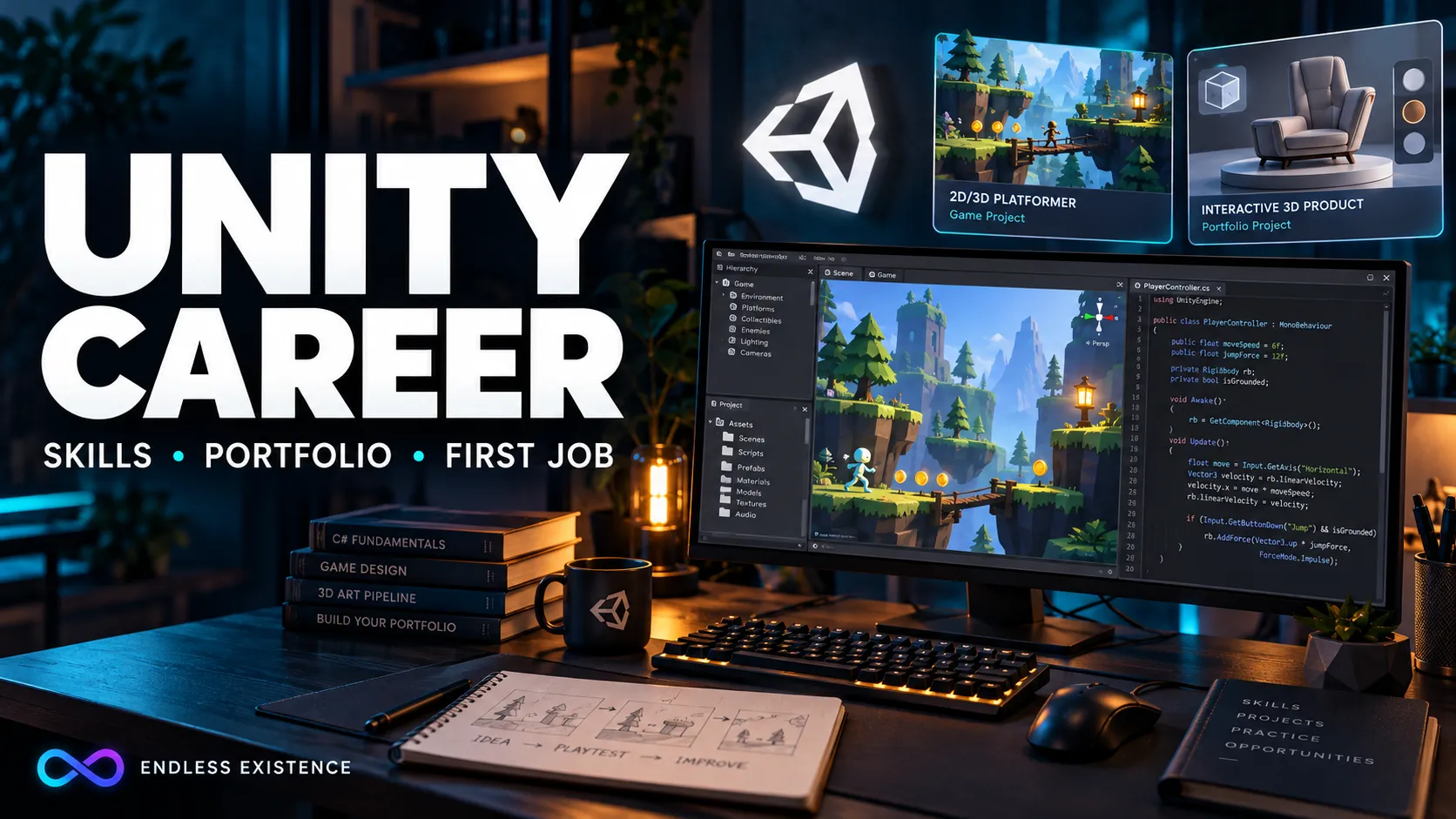
Learning Unity and preparing for a Unity development career are different tasks.
You can follow a tutorial, build a character controller, and produce a playable scene without being ready to work on someone else’s project. Professional development adds another layer: understanding unfamiliar code, fixing bugs, maintaining existing systems, and delivering changes that other people can review.
That does not mean you need to master every part of Unity before applying for work. It means your learning should produce evidence of what you can do.
This guide explains the main Unity career paths, the skills worth developing first, and how to build a portfolio that communicates more than “I completed a course.”
What Does a Unity Developer Actually Do?
A Unity developer builds and maintains interactive applications using the Unity engine.
In a game project, that work might include implementing movement, combat, menus, progression, saving, or platform-specific behavior. It also includes investigating why those systems fail.
Consider a simple requirement:
Add a checkpoint system so the player can restart from the latest activated checkpoint.
The visible feature is small. Implementing it properly raises several questions:
- What information should a checkpoint store?
- What resets when the player respawns?
- Does progress survive restarting the game?
- What happens if a saved checkpoint no longer exists?
- How does the system interact with enemies and collected items?
- How will the team verify the behavior?
Professional work involves resolving these details, not just writing the first script that appears to work.
Unity Careers Extend Beyond Games
Unity is also used for interactive applications outside entertainment.
Unity’s industry materials describe uses including training, product configurators, human–machine interfaces, and digital twins. These applications use real-time 3D technology to make information or physical systems interactive. Industry Solutions from Unity
That gives you several directions to investigate.
| Career direction | Typical focus | Useful portfolio evidence |
|---|---|---|
| Gameplay programming | Movement, combat, interactions, progression | A playable mechanic with documented implementation |
| UI programming | Menus, HUDs, navigation, data display | A functional interface with multiple states |
| Tools programming | Workflows that help developers and designers | A small Editor tool that solves a clear problem |
| Technical art | Connecting visual goals with technical constraints | A visual feature with a performance breakdown |
| XR development | Interaction and experiences for immersive devices | A tested interaction demo on relevant hardware |
| Simulation and training | Guided tasks, feedback, assessment | A short interactive training scenario |
These are areas of work rather than universally standardized job titles. A small team may combine several responsibilities in one position.
Choose a direction based on the work you enjoy and the opportunities you can actually access.
Is Unity Still Worth Learning for a Career?
Unity is worth considering when it matches the applications you want to build and the roles you want to pursue.
That is a more useful test than asking whether an engine is “the best.”
An engine’s popularity does not guarantee an entry-level vacancy in your location. A company using Unity may need experienced developers, a particular specialization, or people who can work in a specific time zone.
Before investing in an expensive course, examine relevant vacancies.
Build a simple comparison:
| What to record | Why it matters |
|---|---|
| Responsibilities | Reveals the work behind the job title |
| Required experience | Distinguishes junior roles from experienced positions |
| Technical requirements | Helps identify recurring skill gaps |
| Location and remote eligibility | Shows whether you can realistically apply |
| Portfolio expectations | Guides the evidence you should prepare |
| Platform or product type | Helps you choose relevant projects |
Look for repeated requirements across several employers. One unusually long vacancy description should not become your entire learning plan.
The Core Skills to Develop First
1. C# Fundamentals
Start with the language before collecting advanced Unity techniques.
You should be comfortable with:
- Variables and data types.
- Conditions and loops.
- Methods and parameters.
- Classes and objects.
- Arrays and collections.
- References and null values.
- Basic encapsulation.
- Reading exceptions and stack traces.
You do not need an elaborate architecture for every small feature. You do need to understand what your code does.
A useful exercise is to explain a script without opening the tutorial that produced it. Identify its inputs, state, outputs, and failure cases.
If you cannot do that, revisit the implementation before adding another feature.
2. Unity’s Component-Based Workflow
Learn how scripts interact with scenes, GameObjects, components, and prefabs.
Practice questions such as:
- Where should this component live?
- Which references should be assigned in the Inspector?
- What happens when an object is disabled or destroyed?
- Which values belong to an instance, and which belong to shared configuration?
- Does this feature behave correctly after reloading the scene?
Many bugs come from project configuration and object lifetime rather than complicated algorithms.
3. Debugging
Debugging is a career skill, not an interruption to development.
Practice a repeatable process:
- Reproduce the issue.
- Describe expected and actual behavior.
- Inspect the relevant error or state.
- Reduce the possible causes.
- Apply a small correction.
- Repeat the original test.
- Check related behavior.
Unity’s Junior Programmer pathway includes debugging, version control, code comprehension, project management, and portfolio preparation. Its curriculum reflects the broader skills involved in development beyond generating scripts. Unity Learn
For your own practice, keep short bug notes. They can later become useful portfolio examples.
4. Version Control
Learn how to create commits, inspect changes, use branches, and resolve simple conflicts.
A commit should represent an understandable change. “Add checkpoint activation and respawn behavior” communicates more than “updated project.”
Also learn which Unity project files belong in version control and how asset references depend on .meta files.
Version control becomes especially important when scene and prefab changes happen alongside code changes.
5. Performance Investigation
Avoid “optimizing” by changing code because it looks inefficient.
Measure first.
Unity’s Profiler helps investigate application performance, including where execution time and resources are being used. Learn to connect a visible symptom with measurements before proposing a fix. docs.unity3d.com
For example, if a crowded scene becomes slow:
- Reproduce the slowdown consistently.
- Identify the expensive work.
- Make one targeted change.
- Measure again under comparable conditions.
- Check that behavior remains correct.
Record the hardware, build configuration, and test conditions alongside any results. A performance number without context is difficult to interpret.
6. Communication
You need to explain what changed, why it changed, and how it was checked.
A useful completion note might say:
Added checkpoint respawning and prevented previously collected coins from reappearing during the same session. Checked activation, repeated deaths, and scene reload behavior. Saving between application launches is outside this change.
This gives a teammate something concrete to review.
Practice this writing even when working alone.
Build a Portfolio Around Evidence
A portfolio should help another person answer three questions:
- What did you build?
- What did you personally contribute?
- How well do you understand it?
A video can show the result. A concise technical breakdown explains the work.
Project 1: A Small Finished Game
Build a game with one clear mechanic and a complete loop.
Examples include a short puzzle game, a compact platformer, or a small arena challenge.
Include:
- A start state.
- Clear controls.
- A goal.
- Win or failure behavior.
- Restart functionality.
- A working build.
Keep the scope small enough to finish and test.
A limited game with consistent behavior provides more useful evidence than a large project whose main systems remain incomplete.
Project 2: A Focused Technical Feature
Choose a feature related to your intended role.
For gameplay programming, build an interaction or checkpoint system. For UI programming, build an inventory interface with navigation and meaningful states. For tools work, create a small Editor utility.
Explain the design decisions.
For an inventory example, discuss how item data differs from the displayed slot, how the interface handles an empty inventory, and what happens when an item is removed.
Project 3: A Collaboration Example
A small team project or game jam can show how you work with others.
Document your actual responsibilities:
Implemented player movement, checkpoint respawning, and the pause menu. Another teammate created the environment art and level layouts.
Do not present the whole team’s work as your own.
If you cannot join a team immediately, start with peer review: ask another developer to inspect your code, explain the feedback you accepted, and document the resulting changes.
How to Present Each Project
Use the same structure across your portfolio:
| Section | What to include |
|---|---|
| Overview | What the project does |
| Your contribution | The systems you implemented |
| Demonstration | A short video or playable build |
| Technical breakdown | Important decisions and trade-offs |
| Verification | What you tested and how |
| Limitations | Known issues and unfinished work |
| Access | Build instructions or repository link where appropriate |
Make the project easy to evaluate. Check that links work and that a reviewer can understand the controls without contacting you.
If the project contains third-party assets, identify them. Explain your contribution separately from the artwork or systems you imported.
Turn Tutorial Projects Into Independent Work
Tutorials are useful starting points. The problem is stopping at reproduction.
After completing one, change a requirement that forces you to reason independently.
For example:
- Add a second input method.
- Replace a fixed level sequence with a configurable one.
- Add a checkpoint without breaking existing progression.
- Make the UI handle longer values and different screen sizes.
- Investigate a performance problem using measurements.
Then explain what needed to change.
Changing the colors or title screen alone does little to demonstrate programming understanding.
Where AI Fits Into Career Preparation
AI can help explain unfamiliar code, suggest debugging steps, or review a proposed implementation.
It can also produce code you do not understand.
For career preparation, use AI in a way that leaves you able to defend the result:
- Describe the behavior yourself.
- Ask for a plan before a large implementation.
- Review the proposed changes.
- Verify the behavior in Unity.
- Explain the implementation without relying on the generated answer.
Keep track of substantial generated contributions when discussing authorship. Follow any employer or assessment rules about AI use.
The relevant question is whether you can maintain the work when requirements change or the first implementation fails.
Do You Need a Degree or Unity Certification?
There is no universal requirement across Unity roles.
A degree may matter for particular employers, internships, or eligibility conditions. Other opportunities may emphasize demonstrated experience and project work. Read the requirements for the positions you intend to pursue.
Unity offers an Associate Programmer certification intended to demonstrate Unity programming skills. Its official description also refers to candidates with a portfolio of projects preparing for their first professional role. Unity
Treat certification as additional evidence.
It cannot replace a project demonstration, an explanation of your decisions, or the ability to solve a practical task.
Employment, Freelancing, and Independent Games
These paths involve different responsibilities.
| Path | Main additional responsibility | What to prepare |
|---|---|---|
| Employment | Working within an existing team and codebase | Relevant portfolio, collaboration evidence, interview preparation |
| Freelancing | Defining and delivering client work | Clear scope, milestones, estimates, and handover |
| Independent game development | Owning the product and its commercial decisions | Small releases, player feedback, production planning |
Freelancing is not automatically an easier entry point. You must understand the request, manage expectations, and deliver a usable result.
Publishing your own game is also different from earning dependable income from it. Keep your financial expectations separate from the educational value of releasing a project.
A Practical Learning Roadmap
Use milestones rather than promising yourself a job by a fixed date.
Milestone 1: Build a Mechanic Independently
Create movement, an interaction, a goal, and a restart.
You should be able to explain every script involved.
Milestone 2: Finish a Small Project
Make a build, write instructions, and let another person play it without your help.
Fix the problems their session reveals.
Milestone 3: Strengthen One Specialization
Build a focused feature relevant to your intended role. Add a technical breakdown and evidence of verification.
Milestone 4: Practice Working With Others
Use version control, accept review, and communicate your changes clearly.
Milestone 5: Prepare Targeted Applications
Match your project evidence to the role. If the vacancy emphasizes UI work, lead with your interface project.
Apply while continuing to improve your skills. You do not need to learn every Unity package before beginning a realistic job search.
Prepare for Interviews With Your Own Projects
Be ready to discuss:
- A bug you investigated.
- A design choice you reconsidered.
- A feature you tested.
- A trade-off you made.
- A limitation you would address next.
Practice modifying one of your own systems under a new requirement.
For example:
Change the checkpoint system so it preserves progress between sessions.
Explain the new responsibilities before writing code. That demonstrates how you approach unfamiliar work.
Frequently Asked Questions
Can a Beginner Get a Unity Job?
A beginner can work toward junior opportunities, but completing a course does not guarantee employment. Relevant project evidence, role requirements, and available openings all matter.
How Many Portfolio Projects Do I Need?
There is no universal number. Begin with a few relevant projects that you can explain thoroughly. Add another when it demonstrates a skill your existing work does not show.
Should I Learn Unity and Unreal Together?
If you are struggling to finish projects, focus on one engine first. Add another when a target role or project gives you a concrete reason.
Do I Need to Build Multiplayer Games?
Only when it supports your intended work. Multiplayer adds substantial complexity; it is not a prerequisite for every Unity career.
Choose a Role, Then Build Evidence for It
Start by identifying the kind of Unity work you want to do.
Build a small project that demonstrates that work, document your contribution, and test it carefully. Use feedback and relevant vacancies to decide what to learn next.
Your portfolio should make your ability visible: you can understand a requirement, implement it, investigate failures, and deliver something another person can use.